Apple Pencil workflows
Pressure-aware drawing, responsive touch gestures and a workspace shaped for iPad.
Draw, paint and develop ideas in a focused creative studio designed around touch, Apple Pencil and the freedom to keep your work local.
No App Store download is advertised while development and release testing continue.
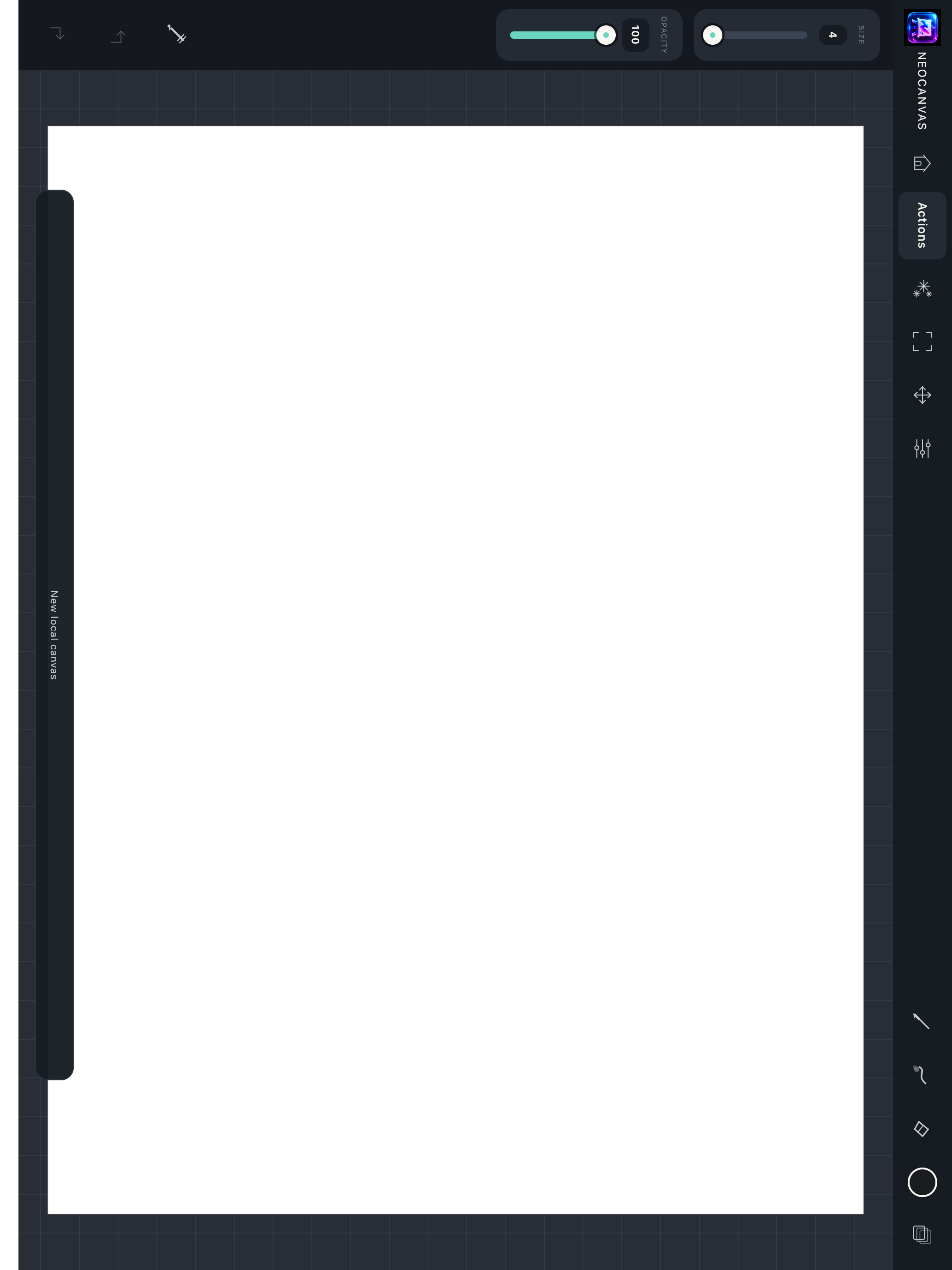
Start with a gesture, then keep refining. NeoCanvas combines expressive drawing tools with the layers, selections and transformations needed for considered artwork.
Pressure-aware drawing, responsive touch gestures and a workspace shaped for iPad.
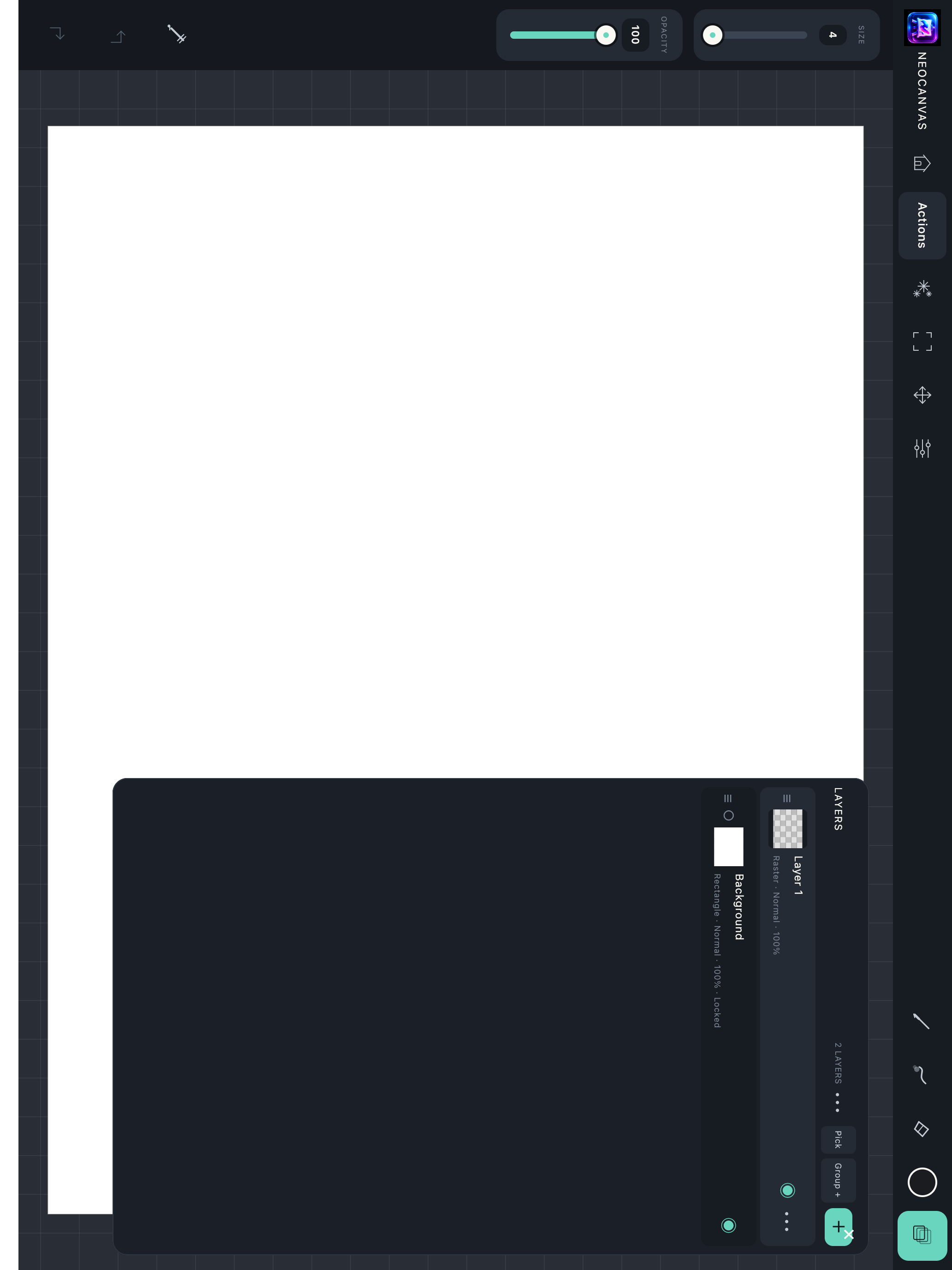
Name, group, reorder, lock and blend layers without flattening the creative process.
Select artwork, reposition it, resize it and rotate it while keeping the surrounding canvas intact.
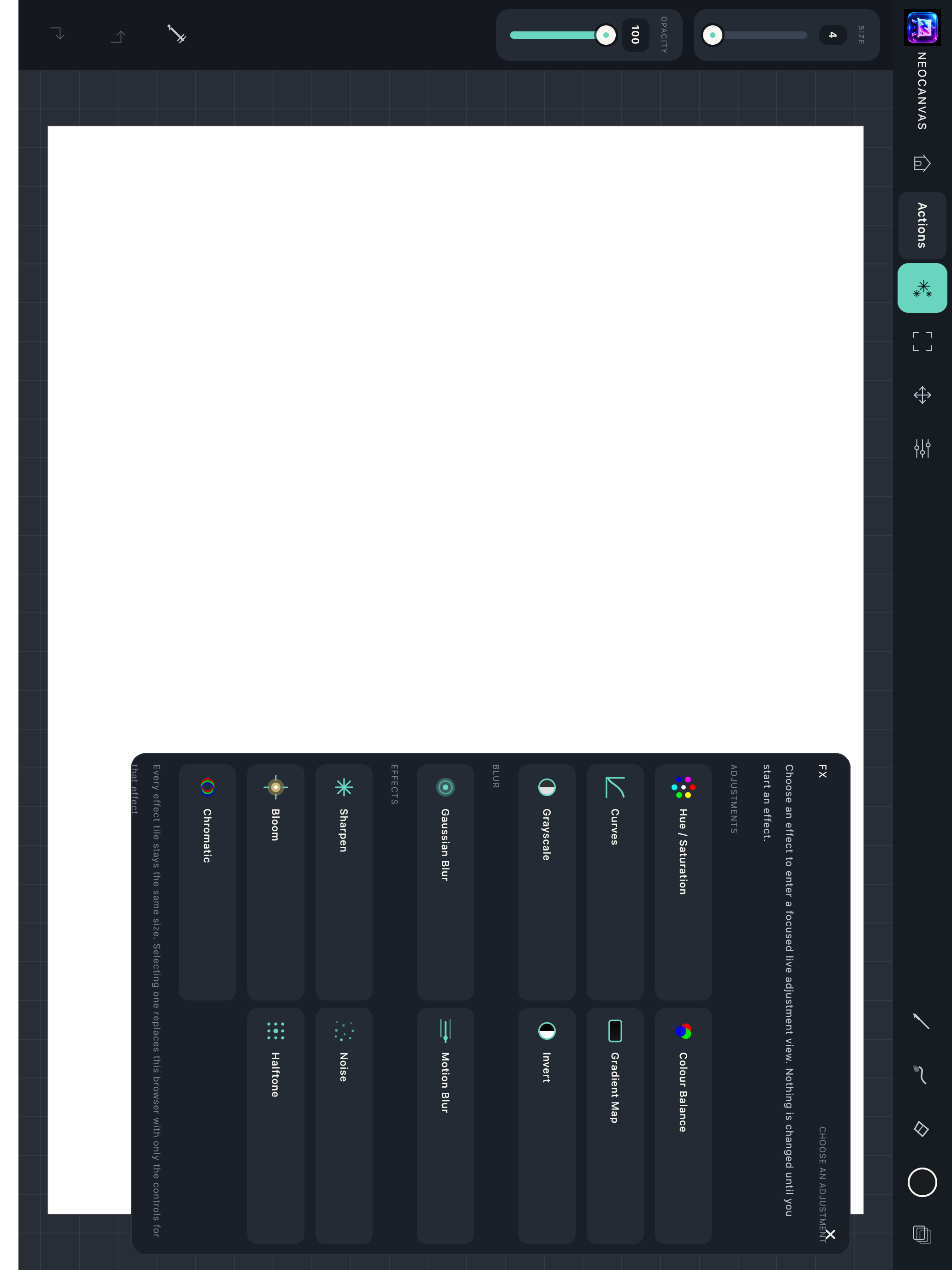
Push, twirl and refine forms, then shape colour and finish with focused adjustment controls.
Choose useful screen, print, social and illustration sizes or create a custom canvas.
Move finished work into familiar image and document workflows using NeoCanvas export tools.
These are full-resolution captures from the real NeoCanvas iPad application—not interface mock-ups.
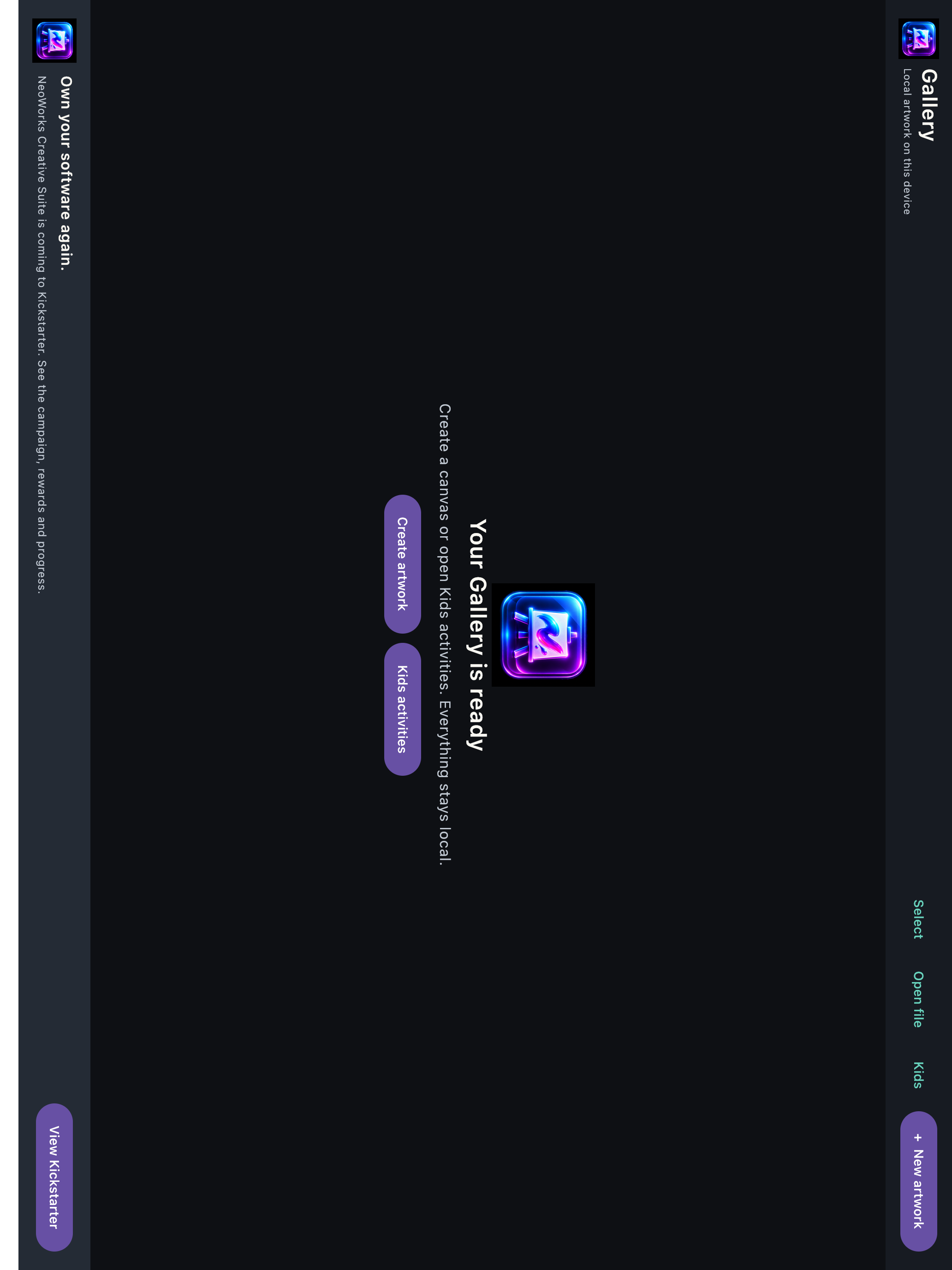
Artwork stays on your device unless you explicitly import or export it. NeoCanvas is being built as a creative tool—not a compulsory cloud service.
Original artwork assembled and edited in NeoCanvas.
Follow development progress →