Unzip the complete download before running NeoWorks.
Kickstarter Preview · Windows
Download Kickstarter Preview for Windows.
Try the refreshed 9 September preview with current Photo editing fixes, Darkroom RAW and colour workflows, and your NeoWorks launcher. Extract the download and open NeoWorks.exe — no separate runtime installation is needed.
Explore the one-off Kickstarter supporter offer →
NeoWorks Photo included
NeoWorks Darkroom included
Shared NeoWorks launcher
Portable self-contained Windows x64 package
Loading available release…
Launch the shared NeoWorks launcher from the extracted folder.
Open Photo or Darkroom. You can also create a desktop shortcut from the launcher.
What’s inside
Two photography apps. One creative flow.
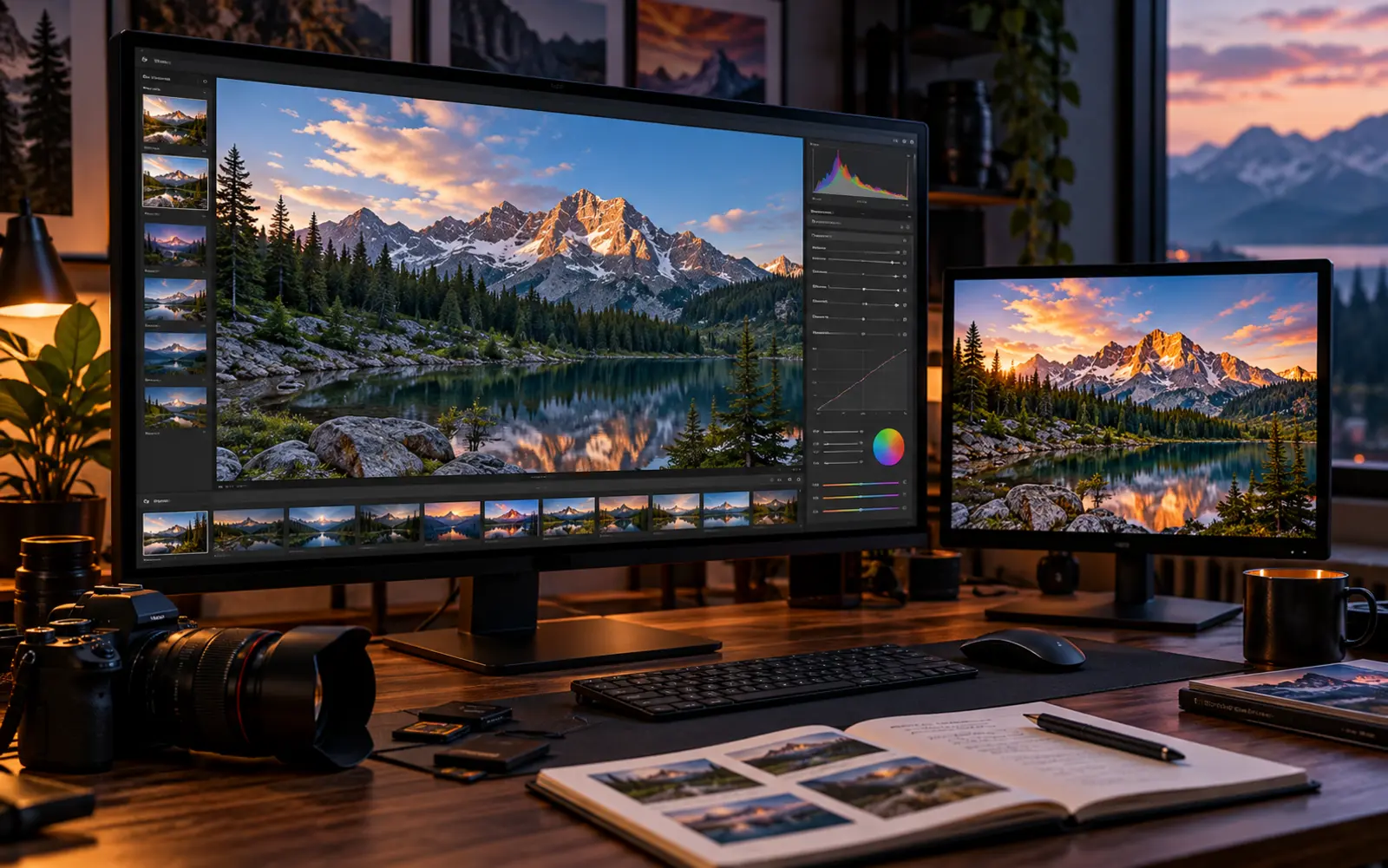
Photo is the creative editor. Darkroom is the developing and organisation workspace. The split is deliberate.
Photo + Darkroom
From RAW to finished image.
Develop, organise, retouch and create without mixing office tools into the Creative Suite experience.
Photo · includedDarkroom · includedDesign · later
Explore Creative Suite →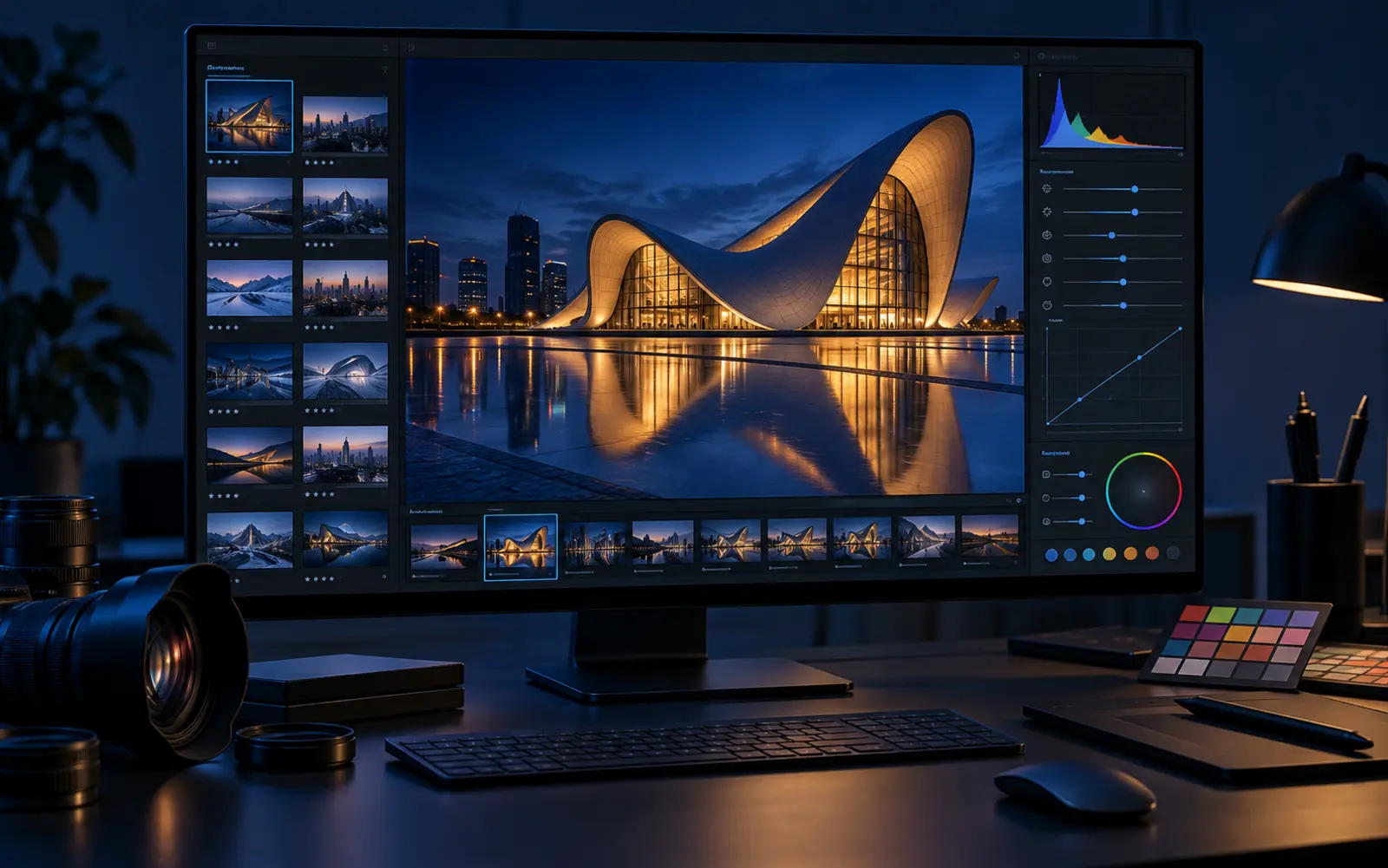
Windows SmartScreen
Unsigned preview guidance.
The preview is not yet digitally code-signed. You do not need to turn off Windows Security.
1 · Verify
Check the source and SHA256.
Only continue if the download came from neoworkssuite.com or downloads.neoworkssuite.com and the checksum matches the published value.
2 · Extract
Keep the folder structure together.
The Apps folder must stay beside NeoWorks.exe so the launcher can find Photo and Darkroom.
3 · SmartScreen
More info → Run anyway.
After verification, use the normal SmartScreen More info option. Do not disable SmartScreen or Windows Security globally.
Preview today · bigger family tomorrow
Creative now. Office separately. Complete later.
The current package is intentionally focused rather than pretending every NeoWorks app is ready to ship together.

Creative Suite Preview
Photo + Darkroom + launcher.
NeoWorks Office
Five productivity apps in development.
NeoWorks Complete
Creative + Office, all eight apps.