Extract the complete portable ZIP and run NeoWorks.exe with the Apps folder beside it.
Downloads →SupportKeep creating.
Keep creating.
Find your next step.
Get help with the current Windows Kickstarter preview, NeoCanvas testing status, release notes and the growing NeoWorks apps.
Find the right help →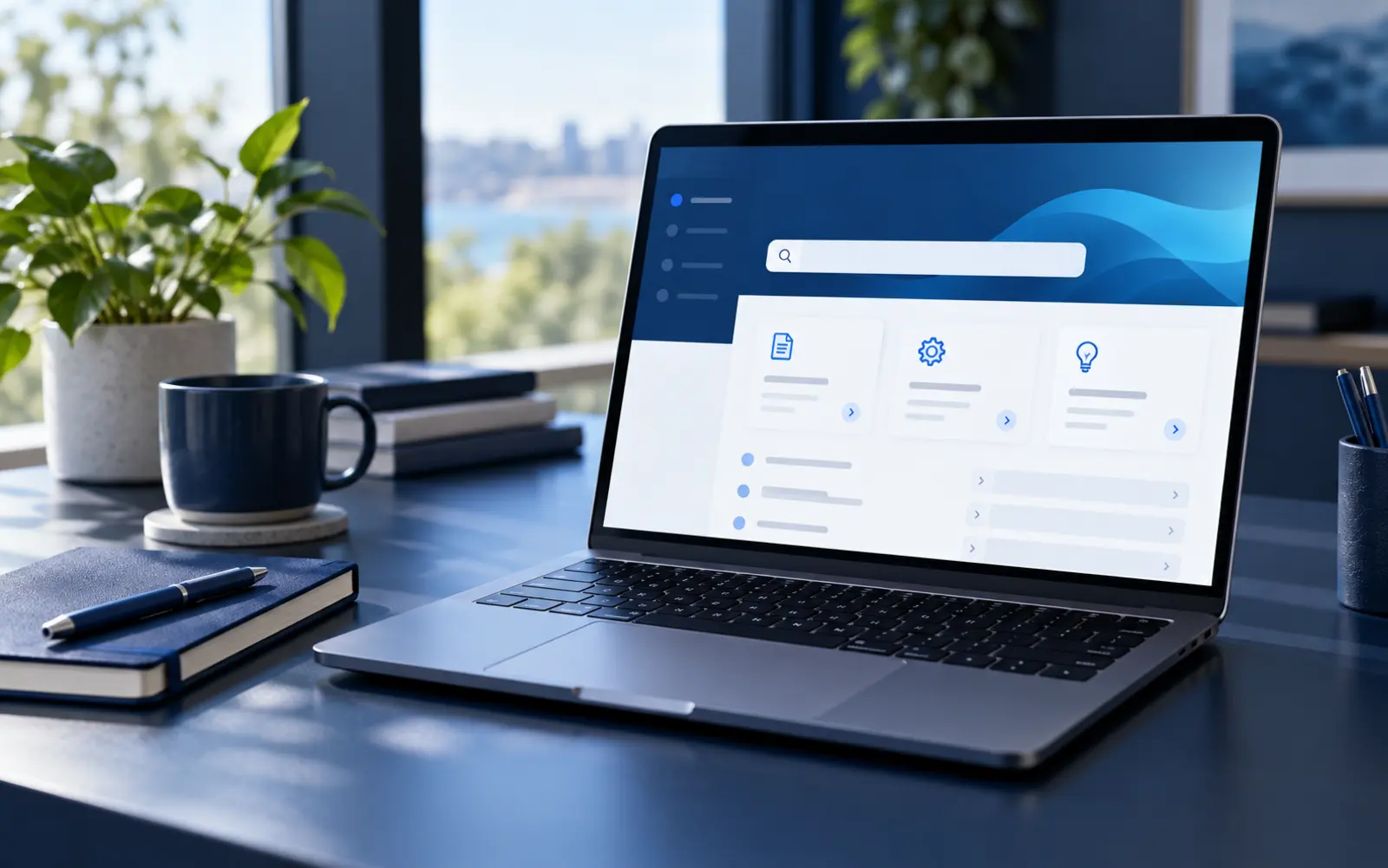
Verify the official SHA256 before choosing More info → Run anyway. Do not disable Windows Security.
Instructions →See approved public release notes without raw development noise.
Updates →Choose the right route
Product help without the maze.
If you report a problem, include the app name, preview build and clear steps to reproduce. Remove private information before sharing diagnostics.